Understanding Task Dependencies
What Are Dependencies?
A dependency means one task can't start until another task finishes.
Real-world example:
- You can't "Install formwork" until "Site grading complete" is done
- You can't "Receive SSSP approval" until "Submit SSSP to safety director" is done
It's like a chain: one link has to connect before the next one can move.
Independent vs Dependent Tasks
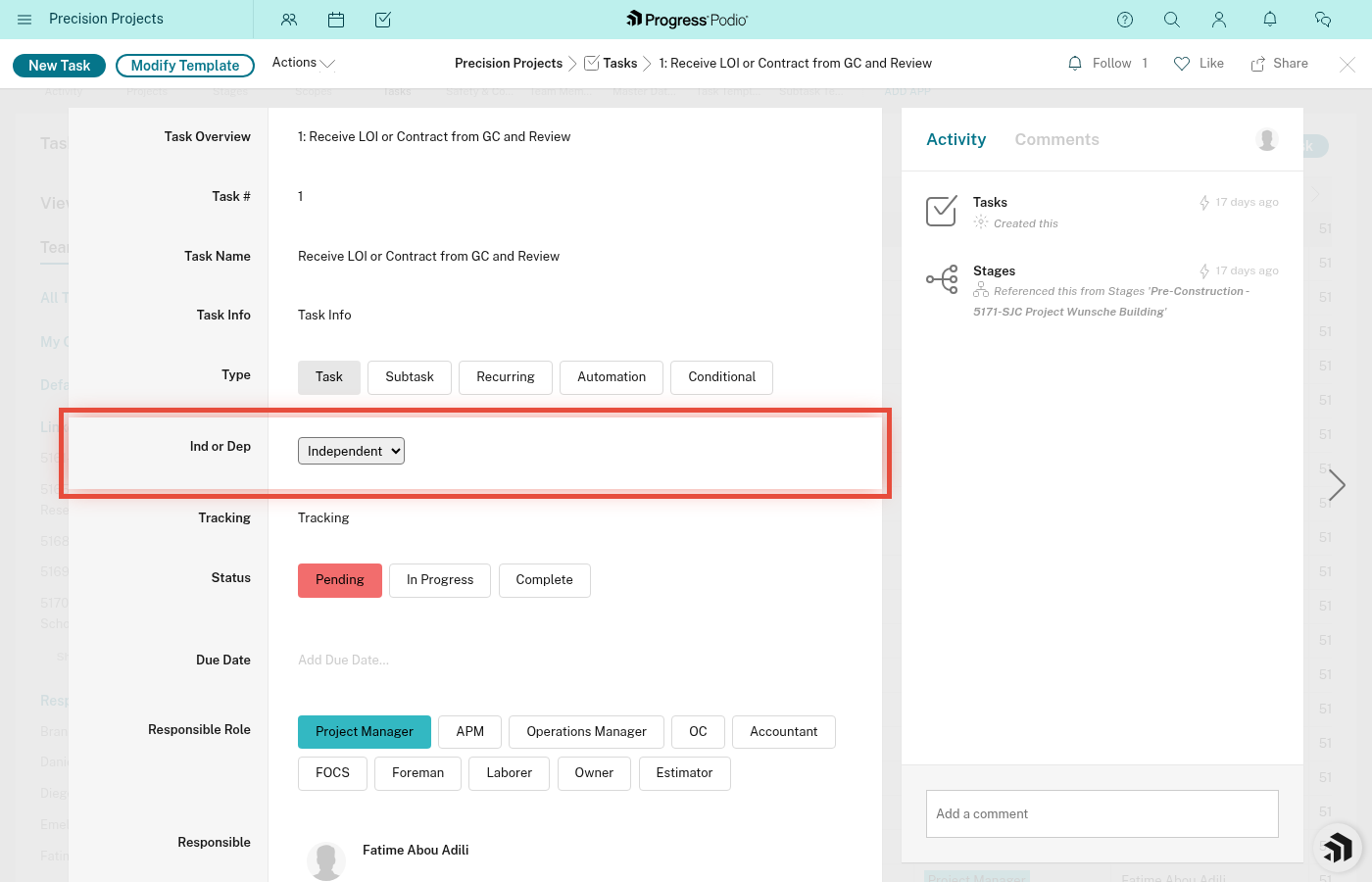
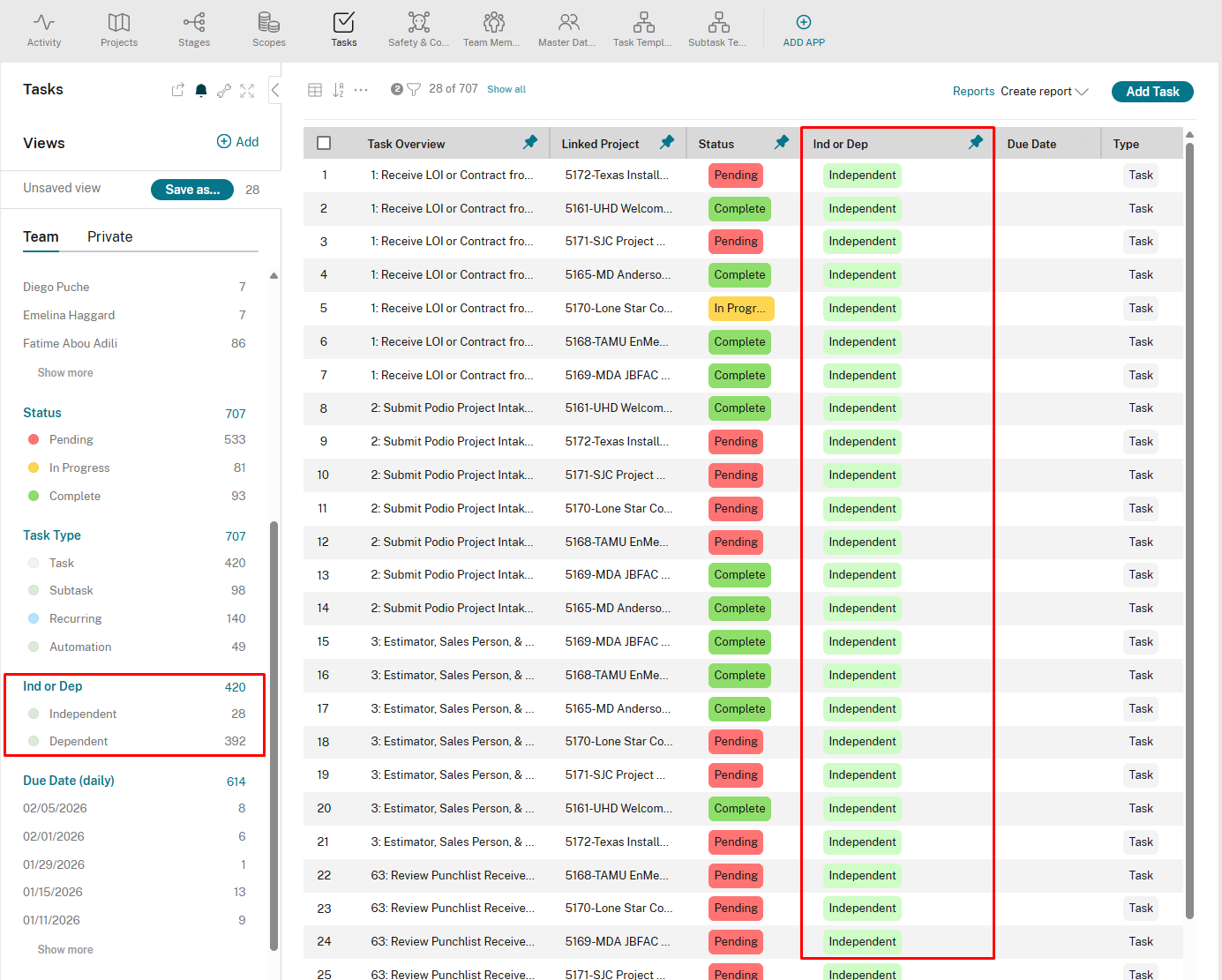
Every task in Podio has a field called Ind or Dep with two options:
Independent Tasks
- Can be started right away
- Don't wait for anything else
- Show Status = In Progress by default when created (or Pending if not yet assigned/started)
Examples:
- "Project Manager Kickoff Meeting"
- "Order materials for formwork"
- "Review contract documents"
Dependent Tasks
- Wait for another task (or tasks) to be completed first
- Show Status = Pending until their prerequisite is done
- Have a Dependencies field that shows what they're waiting on
Examples:
- "Receive SSSP Approval" (waits for "Submit SSSP to Safety Director")
- "Install forms" (waits for "Complete site grading")
- "Final inspection" (waits for "Punch list complete")
How Dependencies Work (Automatic!)
Here's the magic of the system:
Step 1: Dependent Task is Created
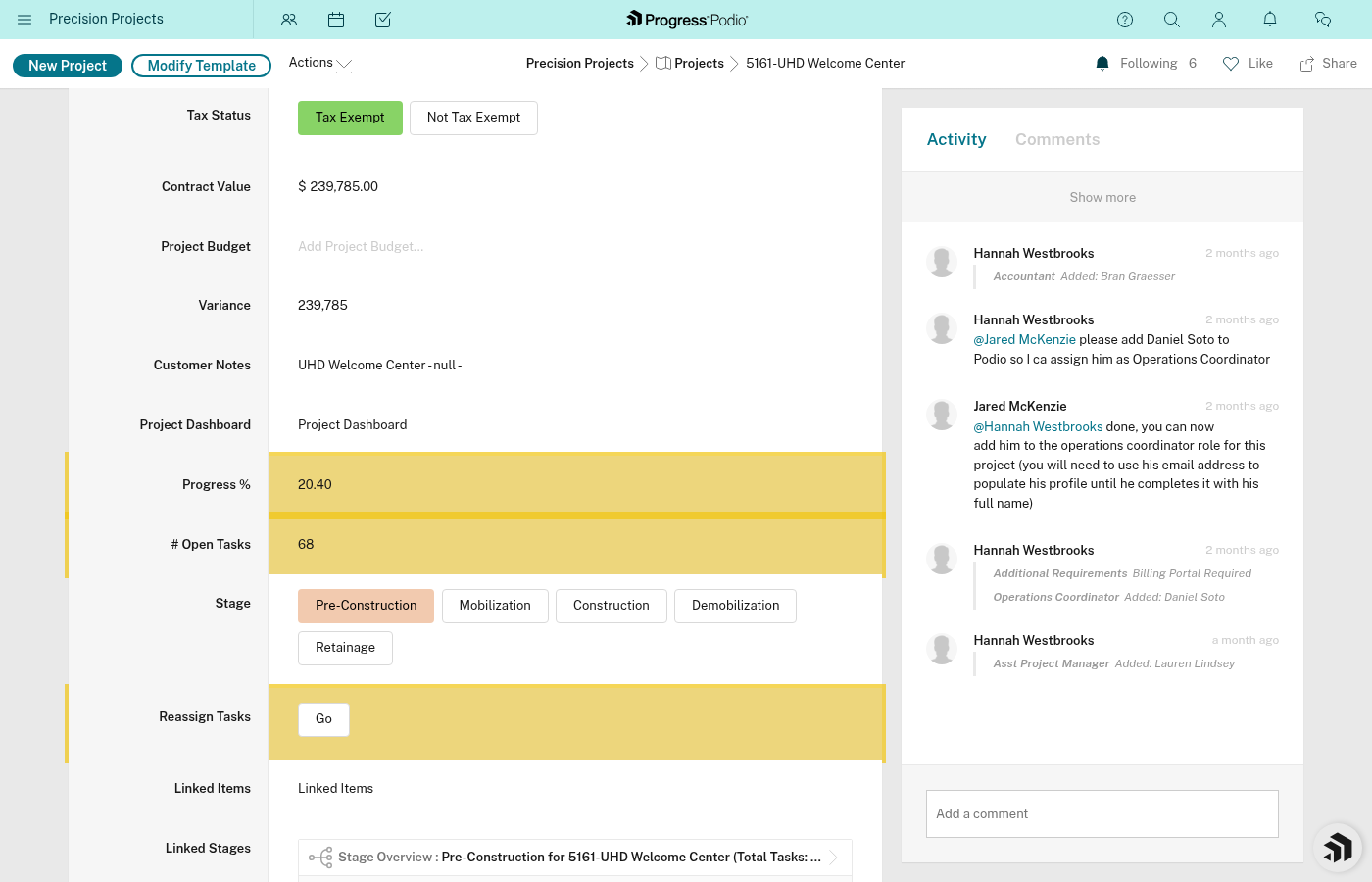
- When a project is created, all tasks for all stages are created automatically
- Dependent tasks start with Status = Pending (red)
- The Dependencies field shows what task(s) it's waiting on
Step 2: Someone Completes the Prerequisite
- The person responsible completes the prerequisite task
- Changes it to Status = Complete (green)
Step 3: Automation Kicks In
Within a few seconds, the system automatically:
- Finds all tasks that were waiting on the completed task
- Changes their Status from Pending to In Progress (yellow)
- Sends a notification to the person responsible for the dependent task
Step 4: Work Continues
- The newly unlocked task is now ready to work
- The responsible person was notified
- The workflow moves forward smoothly
Example Workflow: SSSP (Site Specific Safety Plan)
Let's walk through a real dependency chain:
| Task # | Task Name | Type | Status | Dependencies |
|---|---|---|---|---|
| 12 | Prepare SSSP | Independent | In Progress | None |
| 13 | Submit SSSP to Safety Director | Dependent | Pending | Task #12 |
| 14 | Receive SSSP Approval | Dependent | Pending | Task #13 |
| 15 | Post SSSP on Site | Dependent | Pending | Task #14 |
What happens:
- Day 1: Field coordinator works on Task #12 "Prepare SSSP"
- Day 2: Field coordinator marks #12 Complete → Task #13 automatically goes to In Progress, PM gets notified
- Day 3: PM submits SSSP, marks #13 Complete → Task #14 automatically goes to In Progress, Safety Director gets notified
- Day 5: Safety Director approves, marks #14 Complete → Task #15 automatically goes to In Progress, Foreman gets notified
- Day 6: Foreman posts SSSP on site, marks #15 Complete → Chain done! ✅
All the status changes from Pending → In Progress happened automatically. No one had to remember to manually unlock the next task.
Why Dependencies Matter
1. Prevents Work Out of Order
You can't accidentally start "Pour concrete" before "Inspect forms" is done. The system enforces the sequence.
2. Automatic Notifications
When your task becomes ready, you get notified. You don't have to constantly check or guess when you can start.
3. Visibility for PMs
Project Managers can see:
- What's blocking progress (look for Pending tasks with dependencies)
- Where bottlenecks are (if one task is holding up 5 others)
- Who needs to complete their task to keep things moving
4. Coordination Without Meetings
Instead of "Hey Bob, did you finish X so I can start Y?", the system tells you automatically.
How to Check What's Blocking a Task
If you see a task with Status = Pending and Ind or Dep = Dependent:
- Open the task
- Look at the Dependencies field
- It will show the task(s) that need to be completed first
- Click that task to see:
- Who's responsible
- Current status
- When it's due
How to Check What's Waiting on You
There's no built-in "downstream" dependency view in Podio. To see what's waiting on a task you're working on, you have to check manually:
- Open the stage's Task Overview
- Scan the Dependencies field on other tasks to find any that list your task as a prerequisite
- Or ask your PM to help identify the downstream impact
When you mark your task Complete, everything dependent on it auto-advances to In Progress and the responsible people get notified — so downstream discovery usually isn't urgent.
Common Dependency Chains in Pre-Construction
Here are typical sequences you'll see:
Permit Flow:
- Identify required permits (Independent)
- Submit permit applications (Dependent on #1)
- Receive permits (Dependent on #2)
Safety Flow:
- Prepare SSSP (Independent)
- Submit SSSP (Dependent on #1)
- Receive SSSP approval (Dependent on #2)
- Post SSSP on site (Dependent on #3)
811 Locate Flow:
- Call 811 (Independent)
- Wait for locate marks (Dependent on #1)
- Document locate marks (Dependent on #2)
What If Dependencies Are Wrong?
Sometimes the template sequence doesn't match reality. For example:
- Two tasks could actually be done in parallel but are set as sequential
- A task depends on something not tracked in Podio
If you're a PM and need to adjust:
- You can manually change Status from Pending to In Progress to override
- You can edit the Dependencies field to add/remove relationships
- You can reassign the task to someone else
If you're field crew:
- Don't change dependencies yourself - talk to your PM
- If you think you can start a Dependent task early, check with PM first
- Don't mark tasks Complete that aren't actually done (it will unlock the chain)
Tips for Working with Dependencies
✅ Do:
- Check Dependencies field if your task is stuck in Pending
- Complete tasks as soon as they're done (don't delay - you might be blocking others)
- Communicate with your PM if a dependency doesn't make sense
❌ Don't:
- Mark tasks Complete if they're not actually done (this breaks the chain)
- Manually change Dependent tasks to In Progress without checking with PM
- Ignore Pending status - there's usually a good reason
The Big Picture
Dependencies are like a construction schedule built into your task list:
- The system knows what order things should happen
- It automatically moves work forward when prerequisites are met
- It prevents mistakes and keeps everyone coordinated
- It saves time by reducing back-and-forth communication
Bottom line: If your task is Pending and Dependent, check what it's waiting on. If your task is Complete, you might be unlocking someone else's work - and they'll get notified automatically.
Related:
- completing-tasks.md - How marking tasks complete triggers automations
- task-population.md - How tasks and dependencies get created